PHOTOS TO PDF
How to turn multiple photos into one PDF on iPhone
Workflow checked against the current ScanFile interface · August 17, 2026
If document pages already exist in Photos, do not photograph them again. Import the original images in their intended order, correct the pages once, and export one PDF.
1. Open the ScanFile scanner and tap Import
In the scanner, tap Import beside the shutter. The iOS photo picker opens with multiple selection enabled. Choose the clearest original image for each page and select them in the order you want when possible.
2. Save the imported pages as one document
The selected images appear in ScanFile’s page strip. Check that the expected number of pages arrived, remove any duplicate, and tap Save. The images are stored together as one document in the local library.
3. Correct orientation and page order
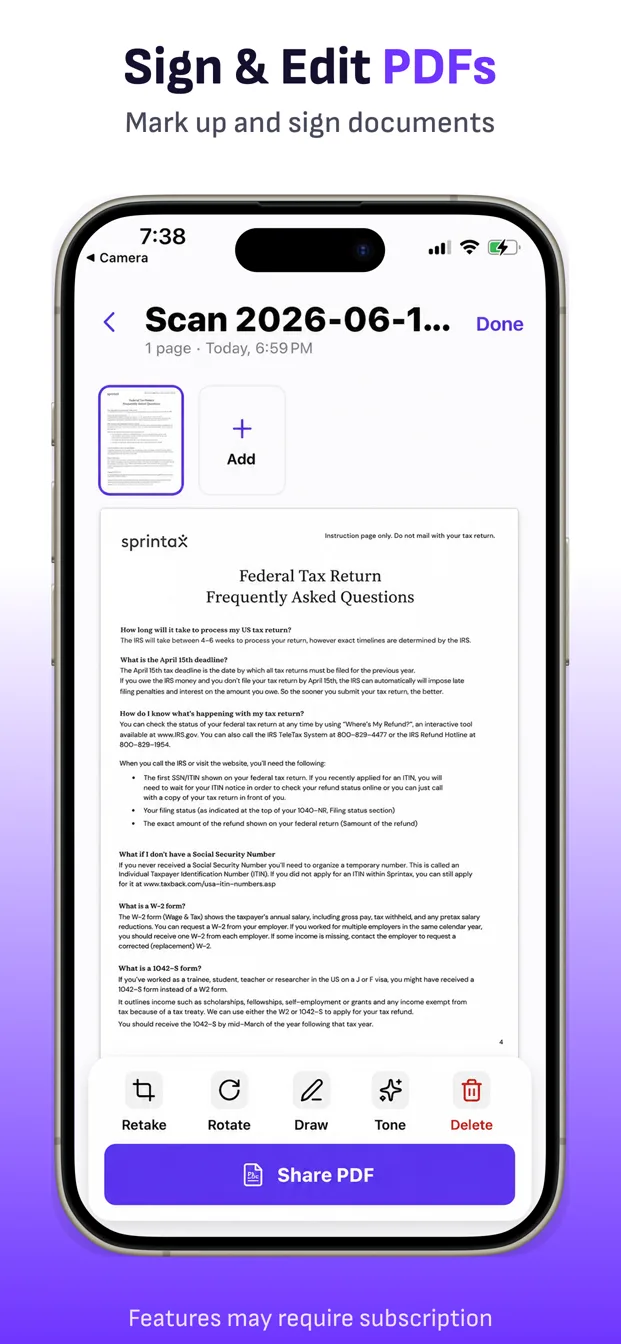
In document review, tap a thumbnail to select a page. Rotate sideways pages, delete mistakes, and press and hold a thumbnail to drag it into the right position. The thumbnail order becomes the PDF order.
4. Make text pages visually consistent
Use Tone when an image needs a document-friendly color treatment. Text-only pages may benefit from Color, Gray, or B/W. Keep Original for photos, illustrations, colored stamps, signatures, charts, or any detail where color carries meaning.
5. Add a missing photo or paper page
Tap Add in the saved document. Choose Camera Roll for another photo, Files for an image file, or the document scanner for a page that is still on paper. The new page joins the same document and can be reordered like the others.
6. Export one PDF
Tap Export and choose a delivery route. ScanFile renders one PDF from the current page order. Choose Phone for the full iOS share sheet, Email for a PDF email draft, or SMS for a compatible message flow.
Troubleshooting photo-to-PDF conversion
- If a page looks soft, replace it with the original photo instead of sharpening a screenshot.
- If white borders are uneven, crop the source consistently before the final export.
- If pages appear in the wrong sequence, drag their thumbnails in document review.
- If a color seal or signature disappears in B/W, switch that page back to Original or Color.
When to use Files instead
ScanFile can also import supported image files and PDFs through its file importer. Use that route when the source pages are in iCloud Drive, Downloads, or another Files location. Photo import is best for images already in the Camera Roll.
ScanFile supports image and PDF import, page reordering, page-level filters, and PDF export. It does not promise that visual OCR creates a searchable text layer in the exported PDF.
Turn the camera roll into one document.
Import, arrange, correct, and export on your iPhone.
Download ScanFile